SSD failed and won't mount? What's actually recoverable
The short version: most failed SSDs still hold recoverable data — even when your computer no longer detects them. Here's what's actually going on, and what to do next.
Why SSDs fail differently than hard drives
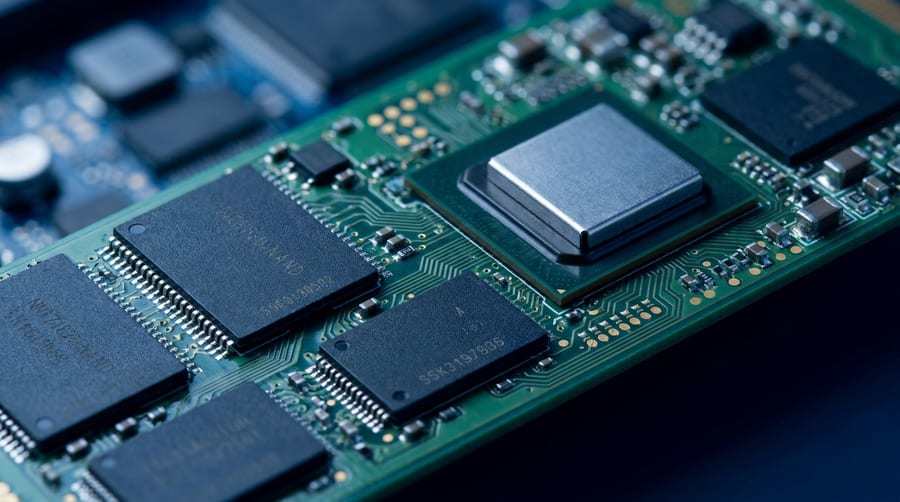
Solid-state drives have no moving parts, so they don't suffer the mechanical failures that plague spinning hard drives. Instead, the most common failures are electronic: a failed controller chip, corrupted firmware, or worn-out NAND cells. When any of these happen, the drive can vanish from your system entirely — but the data itself is often intact on the memory chips.
Signs your data is still recoverable
- The drive is detected but shows the wrong capacity
- The computer freezes when the drive is connected
- Files are present but throw read errors
- The drive worked, then disappeared after an update or power loss
What you should not do
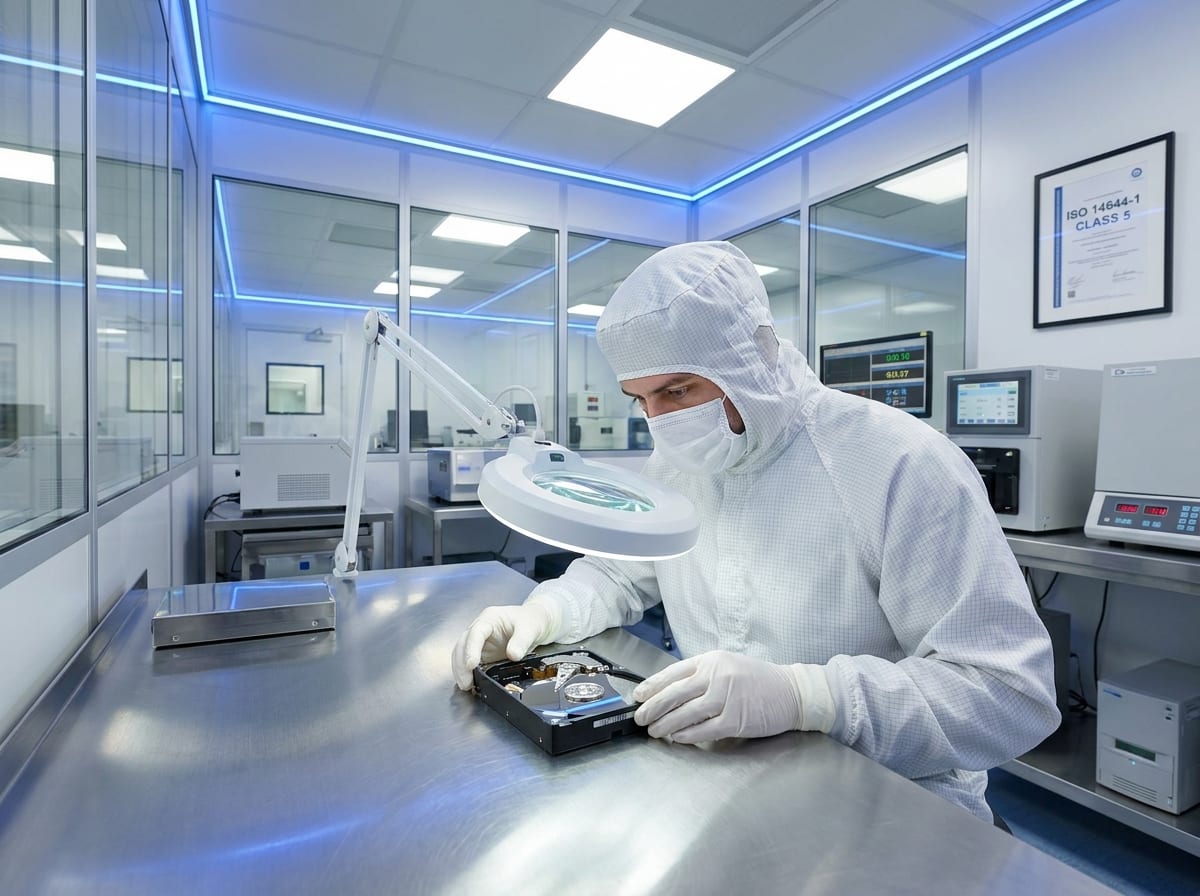
Avoid repeatedly power-cycling the drive or running consumer “repair” tools — both can make a recoverable failure worse. If the data matters, stop using the device and get it evaluated by engineers with cleanroom and chip-level capabilities.
What recovery actually costs
At ClearQuote, SSD recovery is a flat $1,200 — quoted before you ship, and charged only if we succeed. No per-gigabyte fees, no diagnostic upsell. If we can't recover your data, you pay nothing.